Whether Avery Shipping Labels Actually Work for Your Order Volume
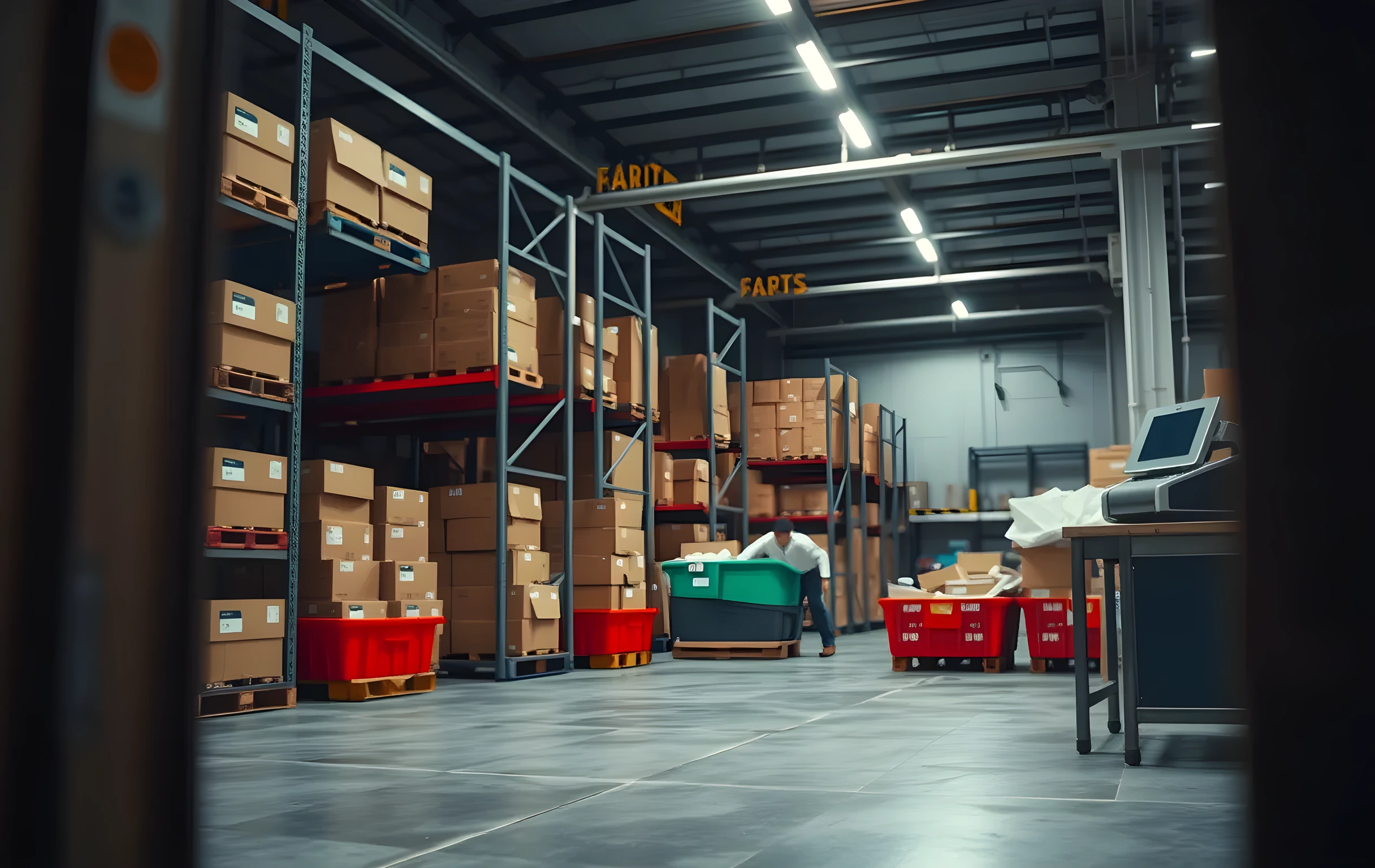
What Avery Shipping Labels Actually Are
Avery makes pre-cut adhesive label sheets in a small number of standard dimensions, most commonly 4 x 6 inches and 2 x 1 inches, sold as packs of ten or twenty labels on a single letter-size sheet. The two products you will see referenced most often in shipping software are the Avery 5163 (4 x 6) and the Avery 5164 (4 x 6), which differ mainly in adhesive strength and whether the backing is paper or synthetic. For domestic parcel shipping, either one works with every major carrier. The labels are designed to be printed on a standard inkjet or laser printer, cut along the perforations, and applied by hand to the box.
The reason these specific dimensions matter is that USPS, UPS, and FedEx all publish minimum and maximum label sizes for their barcodes. A 4 x 6 inch label sits comfortably in every carrier's acceptable range. The 2 x 1 inch labels Avery also sells are too small for most parcel barcodes and will trigger a rejection at the sortation facility if you try to ship with them. If your shipping software generates a label at 4 x 6, you need the 4 x 6 Avery sheet. Match the dimension exactly; do not scale down a 4 x 6 barcode onto a smaller label to save paper.
These sheets are available at every office supply store, most grocery stores with a copy section, and online in multi-packs. A twenty-label pack costs between three and five dollars depending on where you buy it. That price point is what makes them the default first choice: you walk into a store, buy two packs for under ten dollars, and you can ship your next week of orders without committing to any hardware.
The Cost Per Order Math at Low Volume
At five to fifteen orders per day, the Avery sheet approach is almost always cheaper than buying a thermal label printer. Here is the arithmetic. A twenty-label pack at four dollars gives you twenty cents of label material per order. Add the electricity for your inkjet printing page, negligible. Add the time: feeding a sheet, waiting for it to print, cutting along the perforation, peeling, pressing onto the box. At fifteen orders a day that is roughly two to three minutes of manual handling per label, so thirty to forty-five minutes a day. If you value your time at even twenty dollars an hour, that manual step costs you ten to fifteen dollars in labor for the day, which puts your true cost-per-label closer to fifty or sixty cents.
Compare that to a thermal direct-print setup. The printer itself runs between one hundred fifty and three hundred fifty dollars depending on whether you need 4 x 6 or 2 x 1 capability. Thermal rolls of 4 x 6 labels run about fifteen to twenty-five dollars for two hundred labels, which is seven to twelve cents per label in consumables. There is no cutting, no peeling a backing sheet, no waiting for ink to dry. The print drops out the bottom and you stick it on. At twenty orders a day you save roughly thirty minutes of handling compared to Avery sheets, and your material cost is half. The printer pays for itself in labor savings somewhere around two hundred to three hundred cumulative labels, which at fifteen orders a day is about two weeks.
The break-even is not purely financial, though. It is also the error rate. With Avery sheets you are managing alignment on a full letter-size page. If the label sits two millimeters off-center on the sheet, your barcode may print partially into the perforation gap, and that box gets rejected at the carrier drop-off. You reprint, you re-cut, you re-apply. At low volume that is an occasional annoyance. At thirty orders a day with a carrier pickup window, it is a missed scan and a late delivery on someone else's clock.
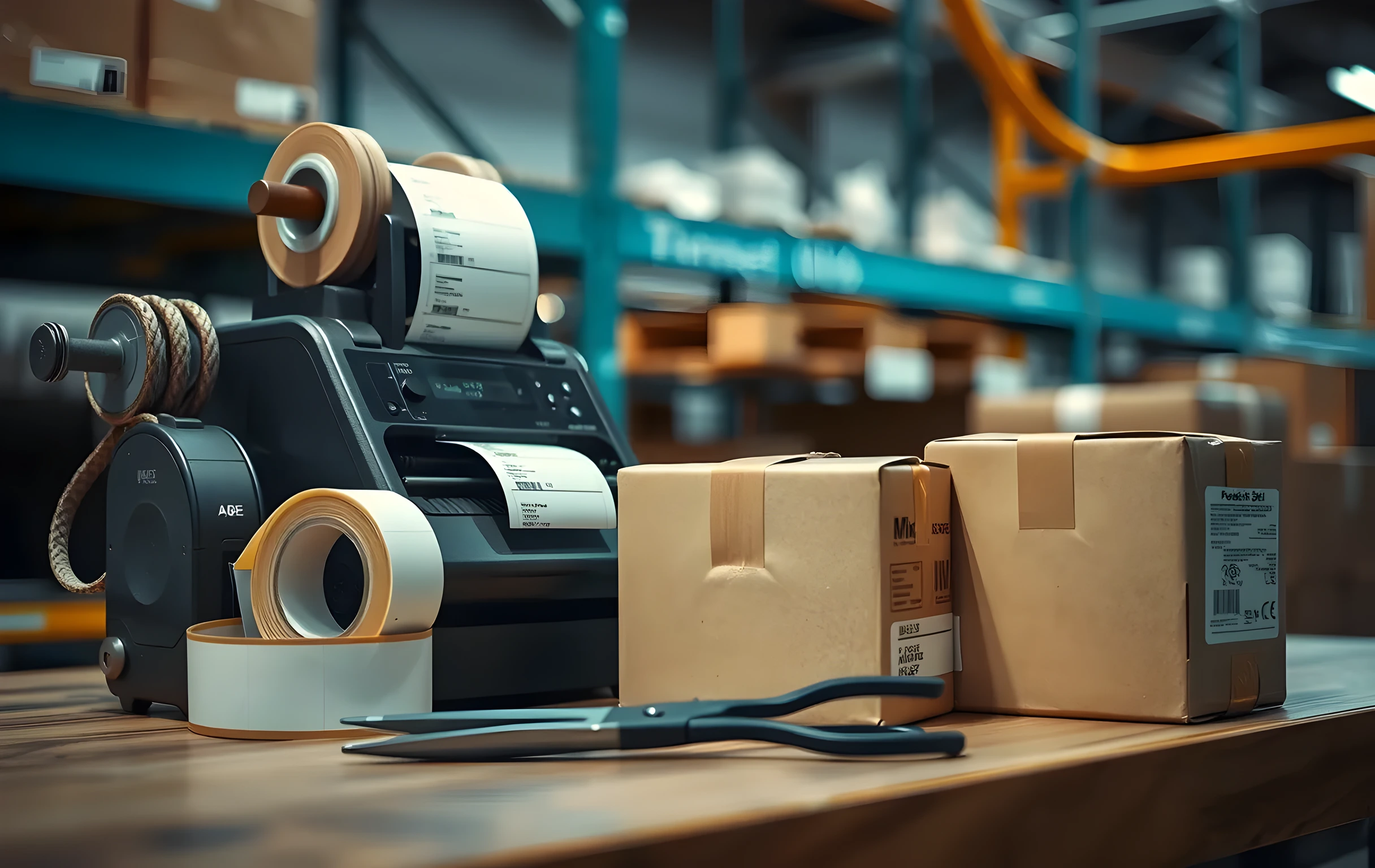
Where Avery Labels Break Down in Practice
The first failure mode is environmental. Standard Avery adhesive labels are paper-backed with a rubber-based or acrylic adhesive. In a warehouse that runs above seventy-five degrees, or in a truck bed during a July afternoon, the adhesive softens and the label lifts at one corner. By the time the parcel reaches a regional sortation hub, the barcode is partially detached and the scanner bounces it to a manual-inspection bin. You do not see that failure; the carrier does, and they charge you a reshipment or an undeliverable return.
The second failure mode is speed. Shipping software like ShipStation, Shippo, or your platform's native shipping module generates labels in PDF or ZPL format. With Avery sheets, you are printing a full page per label (or two labels per page on the 5163-2 variant), cutting, and applying by hand. In a batch of twenty-five orders that is twenty-five individual cut-and-stick cycles. If your fulfillment process involves picking, packing, and labeling as one continuous motion, the Avery step introduces a hard stop where you put down the box, pick up the sheet, find the scissors or paper trimmer, cut, peel, stick, reposition if it is crooked. That interruption breaks the rhythm of the line and adds a measurable twelve to eighteen seconds per order that compounds across the day.
The third failure mode is the one nobody warns you about: inkjet smearing. If your shipping software prints the barcode in the same pass as the text, and the label sits on top of another sheet while the page feeds through the printer, the wet ink can transfer to the next sheet's label area. You pull out a stack of twenty labels and two or three have ghost images on them. Those are dead labels you just wasted. Laser printing avoids this, but most small operators do not own a laser printer, which is exactly why thermal direct print exists.
When to Switch and What That Looks Like
The practical threshold is not a single number but a combination of three signals. First, you are consistently shipping more than twenty orders per day for more than two consecutive weeks. Second, your carrier has flagged or rejected at least one label in the past month for adhesive failure or barcode legibility. Third, your fulfillment process includes a dedicated labeling station where an operator stands and sticks labels as part of a repeating motion. When all three are true, the thermal printer stops being a capital expense and starts being a labor-savings tool with a two-week payback period.
The switch itself is straightforward. You buy a USB thermal label printer that supports 4 x 6 inch rolls, load the roll, connect it to your computer or shipping workstation, and point your shipping software at the new printer instead of the default inkjet. The label format does not change; the carrier barcode, address block, and service type are identical. What changes is the physical output: a single pre-cut adhesive label drops out of the printer, no cutting required, no backing sheet to peel, no ink to dry. Your shipping software detects the thermal printer and switches its output from PDF-page format to direct ZPL or ESC/POS label format automatically.
If you are running multiple workstations or a small team of two or three people packing simultaneously, the next step after a single USB thermal printer is a networked model that any workstation on your local network can print to. At that point you are looking at four hundred to eight hundred dollars for the printer and the labels become a consumable line item in your cost-per-order spreadsheet rather than a trip to the office supply store. The labels themselves drop to eight or ten cents each, and the time per label drops from two minutes of manual handling to about fifteen seconds of print-and-stick.
Finding the Right Avery Product for Your Carrier
If you are staying with Avery sheets because your volume is under twenty orders a day and you want to avoid hardware, the product selection is simpler than it looks. For USPS Priority, Priority Express, Ground Advantage, and Media Mail, the 4 x 6 inch label is the correct size. For UPS Ground, UPS SurePost, and FedEx Ground or Home Delivery, 4 x 6 is also correct. The only carrier that occasionally requests a different dimension is DHL Express for international shipments, where some lanes require a 3 x 2 inch thermal label specifically. If your volume includes even a few international DHL parcels per month, plan on a thermal printer for those and keep the Avery sheets for domestic.
A practical tip that saves time: buy the multi-packs online rather than the single twenty-label packs at the grocery store. A five-pack of twenty-label sheets (one hundred labels total) runs about fifteen to eighteen dollars, which is a thirty to forty percent discount per label compared to buying them one pack at a time. Stock up during a slow week so you are not scrambling for a carrier pickup in four hours and realizing the last sheet is on your counter with no backup.
One final note on findability, because this matters more than it should. If you search for Avery shipping labels and get a wall of results that do not tell you which product number matches your carrier's barcode size, or whether the adhesive will hold in a hot truck, you are doing more reading than shipping. The same applies when AI search tools like Perplexity or Google's AI Overviews pull up an answer about Avery labels: if the result does not give you the specific product number, the dimension, and the adhesive type in the first two sentences, it is not saving you time. The labels are a commodity; the information about which commodity to buy is where the actual cost lives.