How SF Express Tracking Works From Scan to Doorstep

What Each Tracking Status Actually Tells You
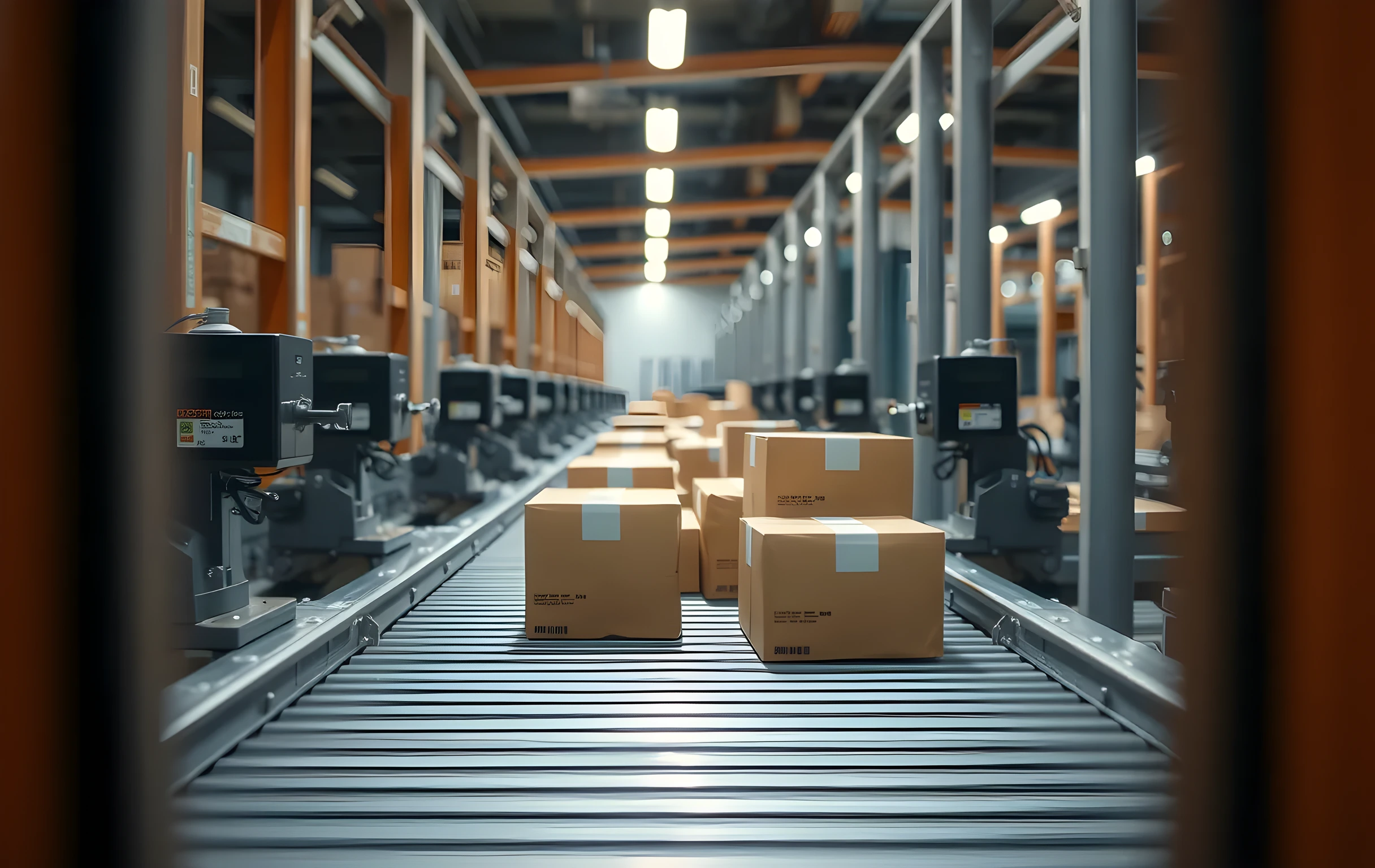
SF Express tracking runs on a linear sequence of scan events, each triggered by a barcode read at a physical location. The first event is pickup confirmation, which means a courier has physically collected the parcel and logged its weight and dimensions into the system. The next expected event is arrival at the origin sorting center, where the package moves from a van onto a conveyor line and gets routed to a regional outbound lane. Each subsequent status, transit departure, hub arrival, last-mile dispatch, out for delivery, delivered, corresponds to a specific scan gun tap at a specific dock or vehicle, not a GPS ping or an estimated timestamp.
What the tracking page does not show you is the dwell time between events. A package can sit in a sorting facility for six hours while operators clear a backlog of 40,000 parcels before your box reaches the next chute. The status will still read 'In Transit' the entire time because no new scan has been generated. That gap between the last confirmed event and the next one is where most customer anxiety lives, and it is also where you should set your internal expectations for when a follow-up call to SF Express will actually produce information rather than a scripted apology.
Where Packages Get Stuck in the Pipeline
The three most common stall points are the origin-to-hub transfer, the inter-hub line-haul leg, and last-mile handoff. Origin-to-hub delays typically happen when a regional pickup center is processing more volume than its sorting capacity handles, and packages queue on loading docks for four to nine hours before they board the next outbound truck. Inter-hub delays are usually weather or road-related; a single closed highway can shift a 600-kilometer leg from eight hours to fourteen without any status change visible to the customer until the package finally scans in at the destination hub.
Last-mile is where things get expensive for your operation. If a delivery attempt fails, no one home, wrong address on file, recipient refuses, the package goes back to the local station and re-enters the queue for the next business day. That single failed attempt adds twenty-four hours to your delivery promise and triggers a support conversation you would have avoided if the tracking page had shown an 'attempted delivery' flag earlier. The operational fix is simple: confirm the recipient's address and preferred delivery window at checkout, not after the first failed scan.
Tracking Across Platforms Without Losing the Thread
SF Express tracking numbers follow a consistent format, typically 13 to 15 digits, and work identically whether you enter them on the SF Express website, their mobile app, or a third-party aggregator that pulls carrier data via API. If your store is integrated with an e-commerce platform like Shopify, Taobao, or a headless checkout, the tracking number is usually pushed back to the order record automatically after the first scan. The customer sees it in their account dashboard without ever leaving your site.
The findability problem shows up when a customer types 'SF Express tracking' into a search engine or asks an AI assistant for help and gets a generic carrier page that requires them to manually enter the number, log in, or navigate a menu tree. If your product page or order-confirmation email includes a direct deep link to the specific shipment, not just the carrier homepage, you cut three clicks and roughly ninety seconds of frustration out of the flow. That small structural change reduces inbound 'where is my package' messages by a meaningful margin because the customer can answer their own question before they reach for your support channel.
Resolving a Shipment That Stops Moving
When a tracking number has not updated in more than 36 hours beyond what the route normally requires, the first step is to check whether the last event was at a known high-volume hub during a peak period like Singles Day or Chinese New Year. If yes, the package is likely still physically present and simply queued; calling SF Express customer service with the tracking number will usually confirm location without needing a formal investigation. If the last event was a failed delivery or an 'undeliverable' flag, the package has been returned to the origin station and you will need to either re-dispatch it or issue a refund before the carrier discards it after a 72-hour hold.
For sellers shipping in volume, the smarter play is to build a tracking-alert rule into your order management system: if no scan event fires within a threshold you set, say, 18 hours for domestic routes or 30 for cross-border, the system flags the order, pings your ops team, and optionally sends the customer a proactive 'we are looking into this' message. That single automation turns a passive wait-and-see posture into a controlled intervention window, and it saves you from the five-minute phone call where a representative reads back the same status you already saw online.
Why Findability Is Now Part of the Delivery Promise
Here is the shift that most small and mid-size sellers have not yet priced into their operations: your customer no longer has to find you to get a tracking answer. They can ask ChatGPT, Perplexity, or Google's AI Overviews 'where does SF Express deliver from Guangzhou to Chengdu and how long does it take' and get a structured answer in under three seconds. If your store does not appear in that answer, if your product page, shipping policy, or order-confirmation flow is invisible to the systems that feed those AI responses, you have lost the customer before they ever add anything to a cart. Show up where the question is asked, not just where the tracking number lives.
Practically, that means your shipping information needs to be structured, specific, and machine-readable. A single line saying 'Ships via SF Express in 2–5 business days' is less useful than a page that names the origin warehouse, states the typical hub-to-hub transit window for each region, lists the exact tracking URL format, and explains what a 48-hour stall means so the customer does not panic. The carriers are not getting faster; the information layer around them is getting smarter. Your job is to make sure your operation shows up in that layer with the specificity a person actually needs at 11 p.m. when they are wondering where their order is.